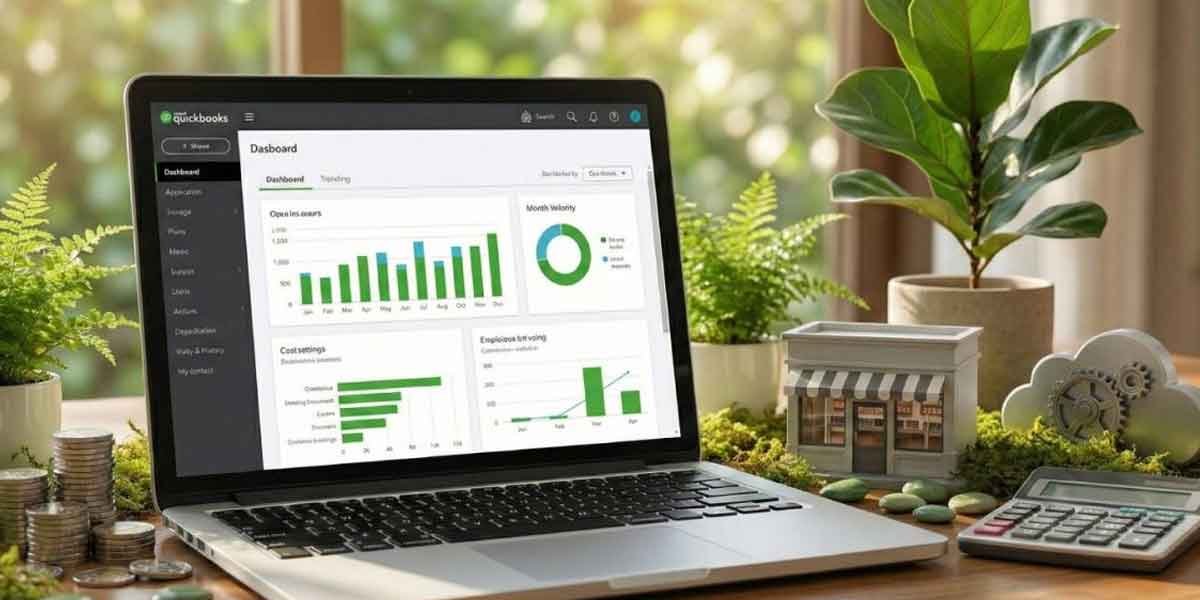
QuickBooks Online has become the go-to accounting platform for small businesses across the country — and for good reason. It’s cloud-based, intuitive, and integrates with hundreds of apps that modern businesses rely on. But getting started with QuickBooks Online, or migrating from another system, is rarely as simple as it looks. Done wrong, a poor setup can create months of headaches and inaccurate financial data.
Why QuickBooks Online Has Become the Standard
The shift from desktop accounting software to cloud-based platforms has accelerated dramatically over the past decade. QuickBooks Online allows business owners and their bookkeepers to access financial data from anywhere, collaborate in real time, and automate routine tasks like bank feeds, invoicing, and expense categorization. For small businesses that want to stay lean and agile, it’s hard to beat.
The platform also scales well. Whether you’re a solo freelancer or a growing company with multiple employees, QuickBooks Online has a plan and feature set that fits. Its ecosystem of integrations — from payroll to e-commerce to CRM — makes it a central hub for business operations, not just accounting.
The Setup Process: More Complex Than It Looks
Creating a QuickBooks Online account takes minutes. Setting it up correctly takes considerably longer. A proper setup involves configuring your chart of accounts to match your business structure, connecting bank and credit card accounts, setting up products and services, establishing tax settings, and importing historical data if you’re transitioning from another system.
Each of these steps requires decisions that will affect how your financial reports look and how useful your data is going forward. A chart of accounts that’s too generic won’t give you the granular insight you need. One that’s too detailed becomes unwieldy. Getting this foundation right from the start saves significant time and frustration down the road.
Migrating from Another System
If you’re moving to QuickBooks Online from desktop QuickBooks, another accounting platform, or even a spreadsheet-based system, the migration process requires careful planning. You’ll need to decide on a clean start date, determine which historical data to bring over, and ensure that opening balances are accurate before you begin entering new transactions.
Data migration errors are among the most common — and most damaging — bookkeeping mistakes. Incorrect opening balances, duplicate transactions, and misclassified historical entries can corrupt your financial records and make it nearly impossible to produce accurate reports until the issues are resolved.
Common Setup Mistakes to Avoid
Even experienced business owners make setup mistakes when working in QuickBooks Online for the first time. Some of the most common include: connecting the wrong bank accounts, failing to set up sales tax correctly, using the default chart of accounts without customizing it for the business, and skipping the reconciliation process in the early months. These errors are fixable, but they’re far easier to prevent than to correct after the fact.
When to Bring in a Professional
For many small business owners, the smartest move is to bring in a professional bookkeeper for the initial setup and migration — then maintain the system going forward. A bookkeeper with QuickBooks Online expertise can configure the platform correctly from day one, import historical data cleanly, and train the owner on how to use the system effectively.
For businesses in the Denver Metro area and beyond, partnering with professional bookkeeping services in Littleton, CO can simplify the entire setup and migration process. By ensuring your QuickBooks Online account is built on a solid foundation from day one, you’ll have the reliable financial data and confidence you need to make better business decisions as you grow.



Leave a Reply