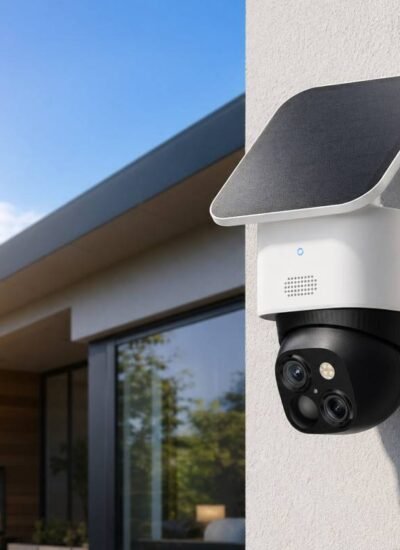
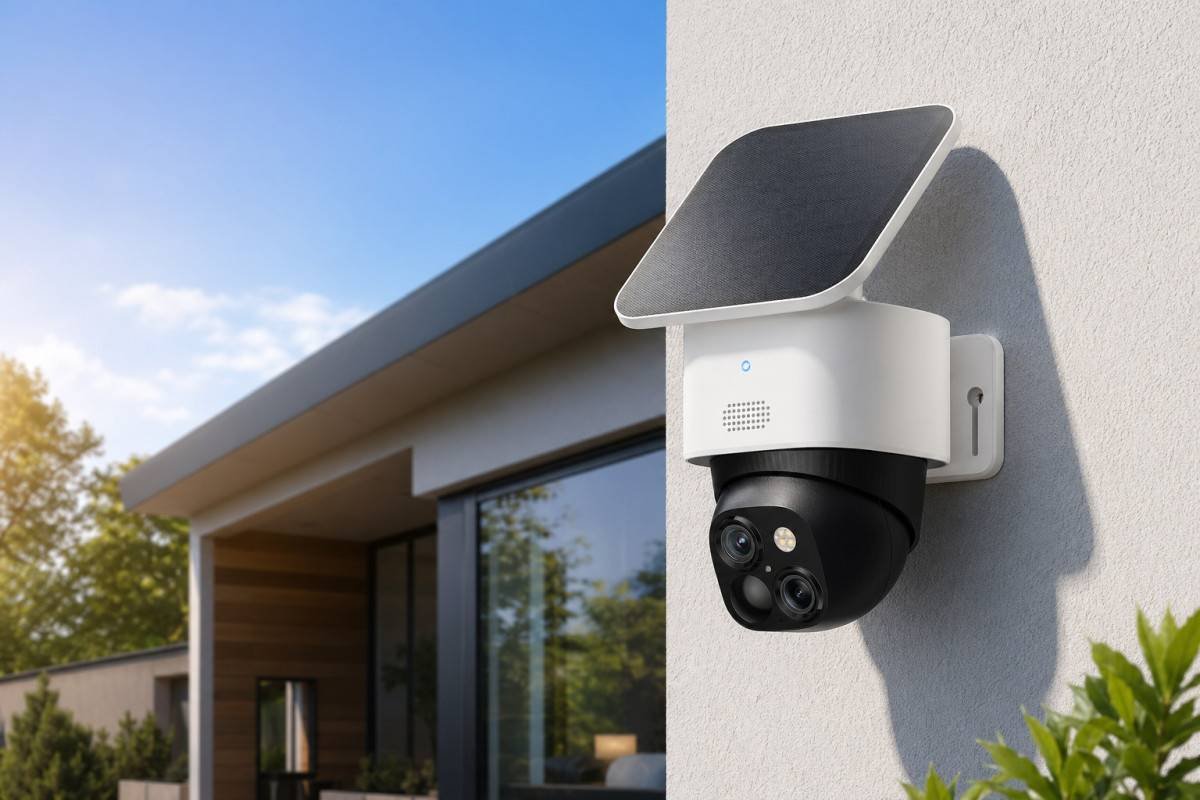
 Solar security camera on house wall with solar panel.
A solar-powered security camera can be genuinely low-maintenance, but only when charging conditions and daily camera workload stay in balance. In bright weather with clean panel exposure and moderate activity, many systems maintain stable battery levels. In cloudy weeks, shaded mounting points, or high-motion zones, the battery can drop much faster than buyers expect.
That gap between marketing and reality is usually not about camera quality. It is about energy math. This article explains how to estimate battery backup days in real homes, how panel direction affects charging, and where wired power still works better than solar.
The Real Question Is Daily Power Balance
Most solar pages focus on “2-3 hours of sun” style claims. The practical question is simpler: Does your setup take in more power than it spends over a normal week?
Think in three moving parts:
- Energy in from the solar panel
- Energy out from detection, recording, alerts, night features, and wireless upload
- Battery reserve for low-sun days
If energy in stays above energy out, the battery remains healthy. If it stays below, backup days are consumed one by one.
This is why two homes using the same camera can report very different results. One gets clean midday sun and moderate trigger volume. Another sits under eaves, sees traffic passing all day, and gets repeated cloud cover. Same model, different outcome.
Why Sunlight Range and Trigger Frequency Matter Most
For wireless solar security cameras, direct sunlight at the panel level is the key factor. A roof edge, tree branch, or wall shadow can reduce charging enough to flip a stable setup into a draining setup.
Motion load is the second big driver. More events mean more wake-ups, recording, AI processing, and app pushes. Even when each event is short, frequent retriggers can add up fast.
Use this as a planning baseline:
| Daily direct sun at panel | Motion events per day | Typical power balance | Likely field behavior |
| 4-6 hours | 20-60 | Positive | Battery often stays near full |
| 2-4 hours | 60-120 | Near neutral | Usually stable, but weather swings matter |
| 1-2 hours | 120-200 | Negative | Battery reserve declines over several days |
| <1 hour | Any high-traffic use | Strong negative | Frequent manual charge or wired assist needed |
Two setup mistakes show up repeatedly in real installs:
- Summer-only testing: the spot looks great in June, then underperforms in winter.
- Open zone defaults: sidewalks, moving trees, and road reflections create avoidable trigger noise.
For a solar outdoor security camera covering a busy driveway, reducing low-value triggers often extends runtime more effectively than simply choosing a larger battery.
A Practical Method to Estimate Backup Days
You do not need an advanced calculator. A simple field estimate is enough for good decisions.
Start with:
- Average direct sun hours at the exact mount location
- Typical daily motion events after basic zone tuning
- Usual local cloudy streak length (for example, 2, 4, or 6 days in a row)
Then check battery trend over a 7-day sample:
- If sunny days refill the battery clearly, the reserve is mainly used for storms and cloud bands.
- If sunny days only hold battery flat, your margin is narrow.
- If sunny days still show a net loss, placement or settings need correction.
A useful planning shorthand:
- Comfortable reserve: about 5-7 low-input days
- Tight reserve: about 3-4 low-input days
- High-risk reserve: about 1-2 low-input days
This is not a universal score. It is location-specific. A camera that feels “set and forget” in one home may require weekly intervention in another.
Panel Efficiency and Orientation Are Not Small Details
Panel orientation can decide whether your camera feels reliable or frustrating.
In most U.S. homes, south-facing exposure with minimal midday obstruction gives the strongest annual charging profile. East/west placements can still work, but generation becomes more time-window dependent. Deep eaves or narrow side paths tend to reduce effective charging hours, even in sunny regions.
Before final drilling, run a short placement test:
- Check direct sun at 10 am, 1 pm, and 4 pm
- Watch for the roofline or branch shadow during the strongest light window
- Track battery percentage for 48-72 hours under normal activity
If the battery keeps trending down in fair weather, move the panel first. Do not assume hardware failure immediately.
Cloudy Regions Need a Different Expectation
Not every location gets the same amount of sunlight. If you live in a cloudy coastal area or a region with long, overcast winters, your solar camera setup should be more conservative than in sunny climates.
In these markets, battery reserve is not a bonus feature. It is part of normal operation. Expect periods when solar input remains weak for multiple consecutive days and tune settings before those periods, not after.
A practical workflow:
- Start with temporary placement for 7-10 days
- Include mixed weather in the test period
- Lock a permanent position only after stable trend data
This extra step saves a lot of troubleshooting later.
Trigger Settings Control Runtime More Than People Expect
Most battery drain comes from event workload, not idle mode. That makes detection tuning your fastest performance lever.
For a solar security camera without subscription setup, adjust these first:
- Activity zones focused on doors, gates, and vehicle entry paths
- Exclusion of public sidewalks and moving foliage zones
- Clip length that captures useful evidence without excessive runtime
- Night spotlight and siren behavior limited to real risk scenarios
In many homes, this tuning cuts unnecessary events sharply while preserving meaningful coverage. It also improves alert quality, so users are less likely to ignore notifications.
Where Wired Power Still Wins
Solar is excellent in the right conditions, but wired remains superior in several common scenarios:
- High-motion frontages with constant triggers
- Locations requiring 24/7 or long-duration recording behavior
- Low-sun architecture, such as deep overhangs and narrow shaded corridors
- Regions with extended cloud seasons and short winter daylight windows
- Hard-to-service camera positions where manual charging creates a safety risk
In these cases, wiring once often reduces long-term maintenance and improves reliability through seasonal changes.
A Hybrid Strategy Usually Performs Best
Many homes get the best result from mixed deployment:
- Solar in moderate-traffic zones with reliable daylight
- Wired power in mission-critical or high-trigger zones
- Unified app workflow so users keep one management experience
After you map zone power needs, you can benchmark with a current HOT option such as eufy SoloCam S340, which pairs removable solar charging with a wire-free design and local-first storage.
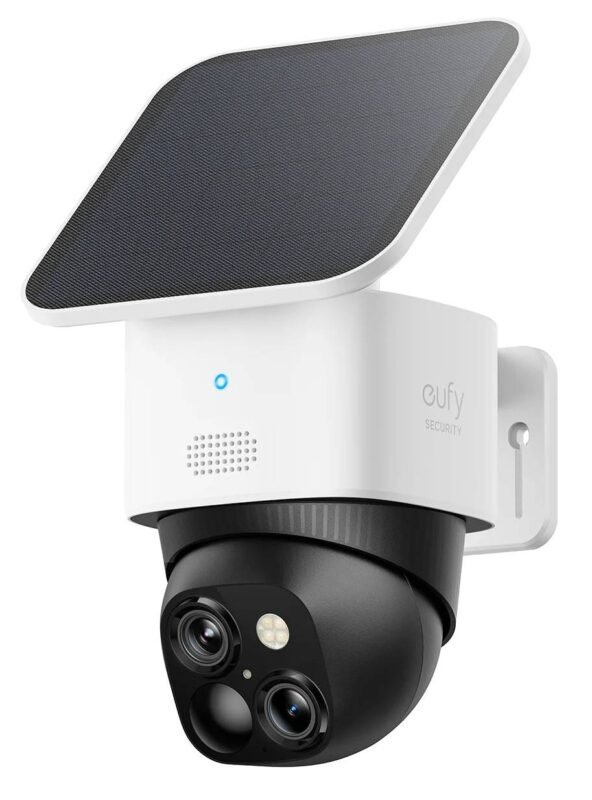
eufy SoloCam S340
For full category planning, compare options in the Solar Powered Security Camera collection and the Outdoor Security Cameras collection.
The goal is not to force one power method everywhere. The goal is to match each zone with the power mode it can sustain.
Conclusion
A solar-powered security camera is a strong choice when sunlight access and event workload stay in balance. That is the condition behind real low-maintenance performance. Where sunlight is limited, triggers are heavy, or continuity requirements are strict, wired power is still the more dependable path. Plan by daylight profile and motion behavior first, then choose power mode per location. That approach avoids the most common mismatch between marketing promises and day-to-day results.

Leave a Reply